
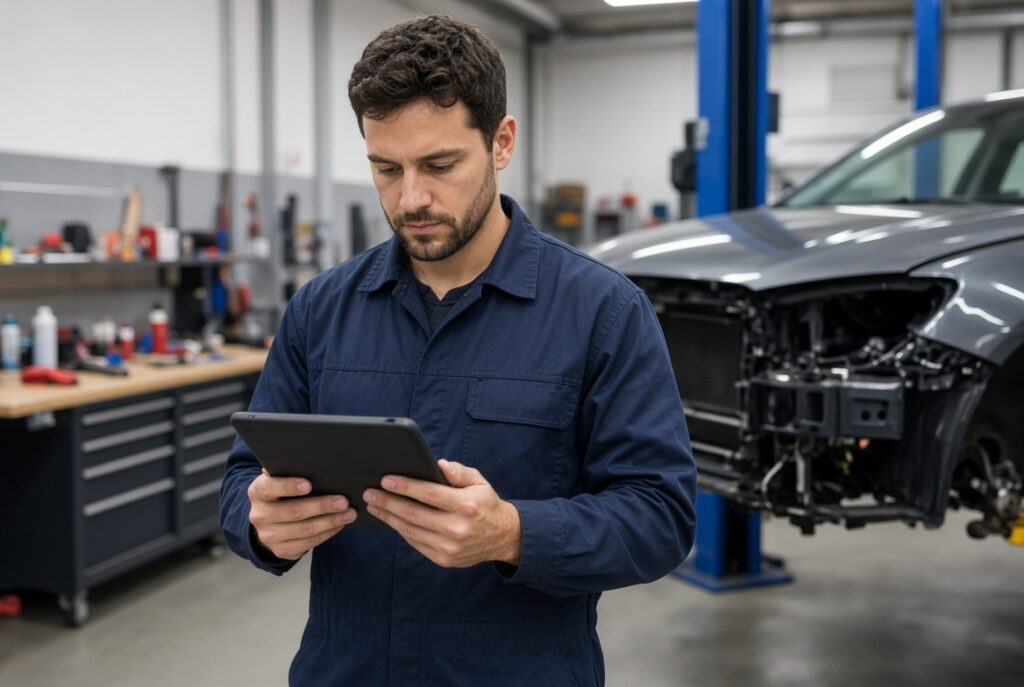
PartsHaggler for body shops and mechanics is designed to reduce the time spent hunting for parts. While parts database built within estimating programs such as CCC, Mitchell, Audatex and others help quickly writing an estimate, sometimes, if not more often, a shop is not looking deep enough to find more cost-effective parts that are not showing up in those programs.
Doing a search on your own, switching between vendor sites, checking fitment, and tracking vehicles manually adds up fast in real shop environments. This is where PartsHaggler excels, making it fast and easy to find other options than what you have in your shop's applications.
Whether you start on the Free plan or move to Pro, the platform supports both collision repair centers and mechanical shops with practical tools built around daily workflows.
PartsHaggler for Body Shops: Free vs Pro
The Free plan lets you experience the core search engine with a limited number of searches each month. It’s useful for testing the system or handling occasional jobs.
Pro unlocks the features that matter most when you’re working on multiple vehicles:
- Higher monthly search limits
- My Garage with vehicle and parts tracking
- Voice Search
- Photo Analysis
- Full Technical Documentation access
You can compare all plans and pricing on the PartsHaggler membership levels page.
My Garage: Keep Every Vehicle and Part Organized
One of the biggest time-savers for body shops and mechanics is My Garage. Instead of re-entering vehicle details on every search, you can save the cars you’re actively working on.
With Pro you can:
- Save multiple vehicles with full Year/Make/Model and VIN support
- Save specific parts to each vehicle
- Add notes for estimators, technicians, or future reference
This turns PartsHaggler into a working job reference instead of a one-off search tool. When a customer calls back or a part needs to be re-ordered, the information is already organized.
Voice Search for Faster Estimating and Diagnostics
When you’re walking a vehicle or standing at the workbench, typing is often slower than speaking. Voice Search lets you describe the part naturally while you work.
This is especially useful during vehicle intake, estimating, or when comparing options on the shop floor.
Photo Analysis When Part Numbers Are Missing
Damaged, painted-over, or missing part numbers are a daily reality in both collision and mechanical work. Photo Analysis allows you to upload clear photos of the component so the system can help identify it.
This reduces the time spent guessing or hunting through diagrams just to start the search.
Technical Documentation at Your Fingertips
Pro users get access to Technical Documentation and related references that support more accurate part selection and repair planning. Having this information in the same workflow as your parts search keeps the process tighter and reduces back-and-forth.
Shop Tip
Start by saving your most common or currently open jobs in My Garage. Once vehicles and notes are stored, future searches and re-orders become significantly faster. Explore more practical guides in our Articles section.
A Practical Daily Workflow
- Save the vehicle in My Garage (with VIN when available)
- Use plain-language search, Voice Search, or Photo Analysis to locate the part
- Compare OEM, aftermarket, and used options in one view
- Save the selected part to the vehicle and add any notes
- Reference Technical Documentation when needed for confirmation
This simple loop keeps information attached to the job instead of scattered across browser tabs and paper notes.
Who Benefits Most
PartsHaggler for body shops and mechanics is especially useful for:
- Collision repair centers handling multiple vehicles at once
- Independent mechanics who need fast, accurate fitment
- Shops that want better organization without adding another complex system
Getting Started
You can begin on the Free plan to test core search, then move to Pro when you’re ready for My Garage, Voice Search, Photo Analysis, and Technical Documentation. Full plan details are available on the membership levels page.
The goal is simple: less time hunting for parts, more time working on cars.
Related reading: 7 Ways DIYers Can Find Auto Parts Faster and OEM vs Aftermarket vs Used Parts.
For a general overview of vehicle identification, you can also reference the VIN explanation on Wikipedia.
Ready to try it on real jobs? Go to PartsHaggler.com and start with a vehicle search or Photo Analysis.